Let's start with the sentence nobody selling AI courses wants you to hear: the tools don't make the money — you do. An AI chatbot sitting in your browser tab earns exactly as much as a gym membership card in your wallet. What earns is a skill, packaged into an offer, that a real person is happy to pay for. The tools just make the skill faster to learn and faster to deliver.
This guide is the map we wish someone had handed us on day one. It covers which AI tool categories actually matter for earning, what you can (and should) start with for free, the first three workflows worth learning, the mistakes that waste most beginners' first month, and a realistic 30-day plan. No income promises anywhere — just the steps, in order.
First, the honest truth about "AI income"
You've seen the screenshots: "$4,000 last month, fully passive, the AI did everything." Here's what those posts leave out. Almost every real beginner income story involving AI looks boring by comparison: someone learned a tool, got decent at one deliverable — blog posts, thumbnails, captioned videos, product descriptions — found clients or customers, and got paid for work they finished faster because of AI.
That's it. That's the whole model. AI is a lever on your effort, not a replacement for it. The people who treat it as a lever are quietly building skills and income. The people who treat it as a slot machine are still refreshing their earnings dashboard at $0, three "systems" later.
So this guide won't promise you a dollar figure. Anyone who does is selling you something — probably a course. What we can promise: if you learn one tool category properly and ship one offer in the next 30 days, you'll be ahead of roughly everyone still watching videos about getting started.
The five tool categories that actually matter
There are thousands of AI tools. For earning as a beginner, five categories cover almost everything. You don't need all five on day one — you need one, chosen based on the kind of work you'd enjoy delivering.
1. AI chatbots and writing tools — the universal starter
ChatGPT, Claude, and Gemini are the engines behind most beginner offers: blog posts, newsletters, scripts, product descriptions, email sequences, study notes. If your plan involves words (and most beginner plans do), this is your home category. We compared the big three in depth in our chatbot comparison for content creators — the short version is: pick one, learn to prompt it well, and stop switching.
2. Image and design tools — no art degree required
Canva's AI features, Microsoft Designer, and image generators like DALL·E and Ideogram let beginners produce thumbnails, social posts, ebook covers, and logos that look professionally made. Design-adjacent gigs (social media packs, YouTube thumbnails, presentation decks) are among the easiest first offers because clients can judge the result in three seconds.
3. Video tools — the highest-demand beginner skill
Short-form video runs the internet's attention economy, and creators are desperate for help. CapCut's auto-captions, AI voiceovers, and script-to-video tools have collapsed the skill barrier. Our breakdown of the best AI video tools for faceless YouTube channels covers the category in detail — including YouTube's real 2026 rules on AI content, which matter if you go this route.
4. Audio and voice tools — the quiet earner
AI voice generation and audio cleanup (tools like ElevenLabs and Adobe Podcast) power faceless video channels, audiobooks, podcast editing gigs, and ad voiceovers. It's a smaller category, but that also means less competition for beginners who learn it well.
5. Productivity and automation tools — your back office
Notion for organizing clients and content, Perplexity for research with sources, and simple automations (connecting forms to spreadsheets to emails) won't be your headline offer at first — but they'll keep you sane, and "I can organize your chaos" becomes a very sellable virtual-assistant skill within a few months.
The rule: one category, one main tool, two weeks minimum before you even think about adding another. Depth beats breadth at the start, every single time.
Start free: the $0 stack (and when to ever pay)
Here's a secret the tool companies don't advertise: every category above has a free tier good enough to earn your first money with. ChatGPT, Claude, and Gemini all have capable free plans. Canva's free tier is genuinely generous. CapCut is free. Notion and Perplexity both have free tiers that handle beginner workloads fine.
A completely free starter stack most beginners can run today:
- One chatbot (ChatGPT or Claude free) — drafting, ideas, learning
- Canva free — design and social content
- CapCut free — video editing and captions
- Grammarly free — so client-facing English looks professional
- Notion free — tracking clients, deadlines, and ideas
When should you ever pay? One rule, taped to your monitor: only upgrade when a free limit is actively blocking money you're already making. A tool that earns you $200 a month can justify a $20 plan. A tool you opened twice cannot. In our experience, beginners waste more money on premature subscriptions in month one than on everything else combined — real talk, the honest budget for most people is $0–20/month, and $0 is a perfectly respectable starting point. (For a pre-filtered list, see our roundup of free AI tools every freelancer should know.)
Three first workflows worth learning
Tools are potential. Workflows — a repeatable sequence from blank page to deliverable — are what clients actually pay for. Here are three beginner-proven ones. Pick the one closest to your interests and practice it before you pitch anyone.
Workflow 1: The AI-assisted blog post (for businesses that need content)
Local businesses, coaches, and small brands need blog content and have no time to write it. The workflow: research the topic with sources (Perplexity) → outline and draft with your chatbot → rewrite the robotic parts in a human voice → check every fact → format with subheadings. Time once learned: 60–90 minutes per post. Sell it as a monthly package of four posts. Practice by writing three posts on topics you know — those become your samples.
Workflow 2: The faceless short (script to published video)
Pick a niche fact ("why planes have tiny holes in the windows"), write a 45-second script with your chatbot, generate or record the voiceover, assemble in CapCut with auto-captions and stock visuals. One hour per video once practiced. Run your own channel to build proof, then offer the same service to creators who post inconsistently. This is the exact pipeline our faceless YouTube guide walks through tool by tool.
Workflow 3: The social media starter pack (design + captions)
Small businesses post rarely because making content is a chore. Offer a monthly pack: 12 posts designed in Canva from three templates you create once, captions drafted with your chatbot and edited by you, scheduled and delivered in a tidy folder. Two to three hours a month per client after setup. It's unglamorous, repeatable, and exactly the kind of thing owners happily hand off.
Notice what all three share: a human choosing the topic, checking the output, and standing behind the result. That's not a bug — that's why clients pay you instead of just asking a chatbot themselves.
The shortcut: The AI Tools Starter Pack
This blog will keep publishing free guides like this one — that isn't changing. But we kept getting the same question in different words: "Can I just get all of this in one place, in order, so I stop piecing it together from twenty tabs?"
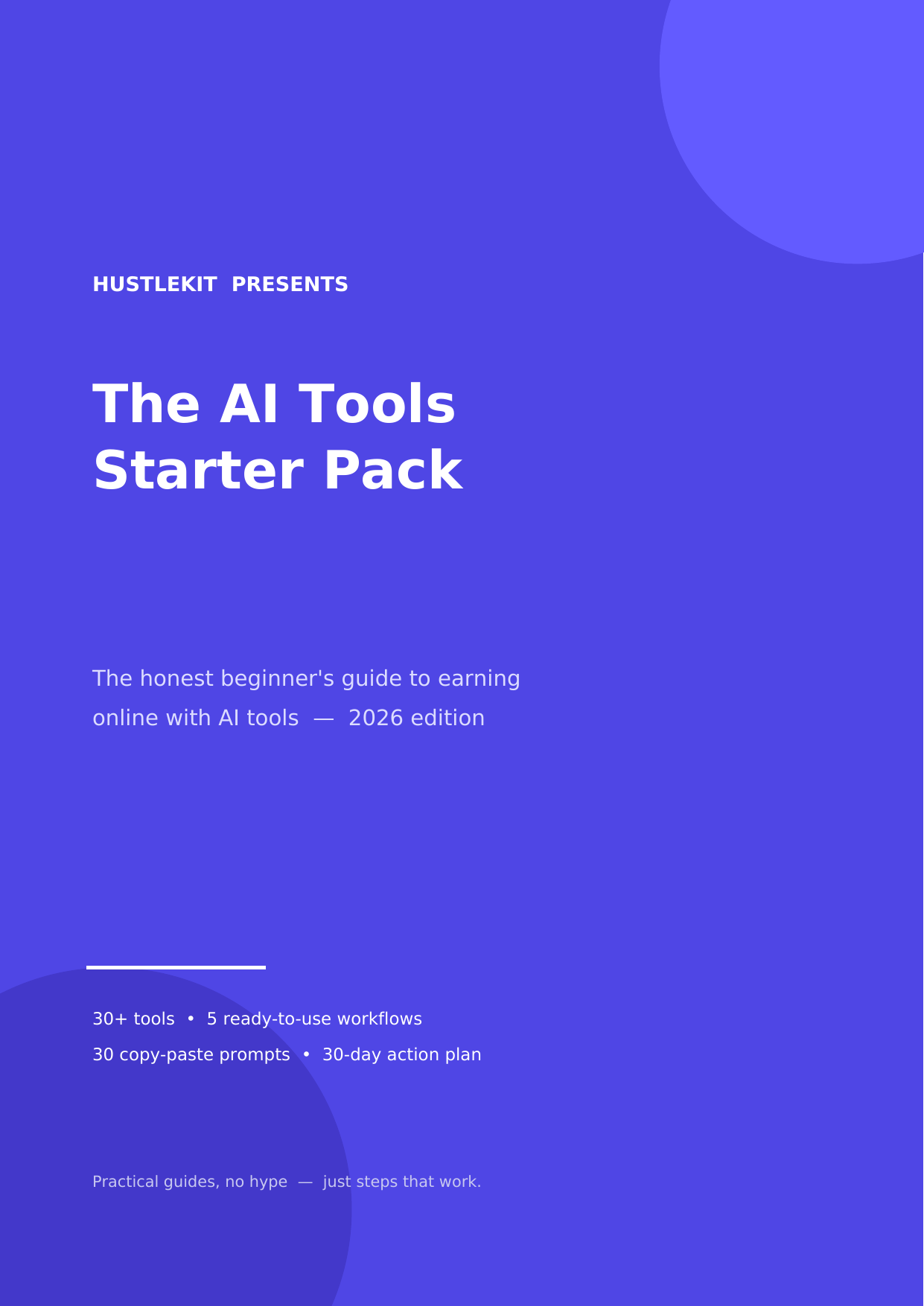
So we made it. The AI Tools Starter Pack is our 47-page guide for the exact person this article is written for: a beginner starting from zero, with no audience and no technical background. Inside:
- 30+ AI tools, honestly reviewed — what each does, who it's for, real 2026 pricing with free-tier details, and one beginner tip per tool
- 5 ready-to-use workflows, step by step — including a faceless YouTube short in an hour and a freelance blog-post service you can offer this week
- 30 copy-paste prompts — the exact prompts for freelancing, content, and productivity work
- The pricing reality check — what to actually pay (the $0–$20/month truth table)
- Your first 30 days — a day-by-day action plan from zero to first real attempts
Same rules as everything on this site: it will not promise you passive income, and it will not pretend downloading tools equals having a skill. It's the organized, printable version of the path — for people who'd rather follow one plan than forty browser tabs. It's $9, one time, and it's yours forever including future edition updates we publish to the file.
Seven beginner mistakes that waste month one
- Tool-hopping. New tool every three days, mastery of none. Pick one per category and give it two honest weeks.
- Paying too early. Three subscriptions before your first dollar. Free tiers first; upgrade only when a limit blocks income (see the rule above).
- Copy-pasting raw AI output. Clients and readers can smell it. Draft with AI, then edit like you mean it — your voice is the product.
- Never fact-checking. Chatbots invent statistics with total confidence. One wrong fact in a client deliverable costs more than every subscription you skipped.
- Learning forever, shipping never. Ten courses, zero offers. The market pays for finished things, not for your course-completion certificates.
- Five offers at once. Blog posts AND logos AND videos AND resumes. One offer, one audience, until it's working.
- Hiding behind "research" to avoid rejection. The first pitch is scary. It's also the only door to client #1. Send it before you feel ready — nobody ever feels ready.
A realistic first 30 days
Here's what an honest month one looks like. Notice the total absence of a "quit your job" moment — that comes much later, if ever, and usually as a boring consequence of months of this.
- Week 1 — Pick and learn. Choose one category and one tool. Use it daily on small real tasks. By Friday, make one complete sample deliverable (a post, a video, a design set) — ugly is fine, finished is what counts.
- Week 2 — Build proof. Two or three more samples, better than the first. Show them to one honest friend. Set up a simple page or folder where a client could see your work.
- Week 3 — First offer. Package one service with a clear price and a clear deliverable. Tell people — online communities, local businesses, your existing network. Expect mostly silence; that's normal and says nothing about your worth.
- Week 4 — Pitch and adjust. Ten real pitches this week. Collect every "no" and every question people ask — those questions are your market research. Most beginners get their first yes somewhere in weeks 3–6, and we'd rather tell you that plainly than sell you a faster fantasy.
By day 30 you won't be rich. You will have a tool you actually know, proof you can finish things, an offer in the wild, and real feedback. That's not a small thing — that's the entire foundation, and it's more than most people ever build.
Want the whole path in one place?
The AI Tools Starter Pack — 30+ tools reviewed, 5 workflows, 30 copy-paste prompts, and the 30-day plan, in one 47-page guide.
$9 Get The AI Tools Starter Pack — $9One-time price. Instant download. No hype inside, either.
What to do next
If you take one action today, make it this: pick your category. Writing, design, video, voice, or automation — whichever you'd still enjoy on a tired Tuesday. Then open one free tool in that category and make one small finished thing before bed.
Then keep going with the free guides here: start with the beginner tool starter kit for specific tool picks, follow it with the zero-skills freelancing playbook, and use the first $100 roadmap to turn your first offer into actual income milestones. And if you want the condensed version of everything — tools, workflows, prompts, and the 30-day plan between two covers — The AI Tools Starter Pack is on Gumroad for $9.
Either way: one tool, one workflow, one offer. That's how this actually starts.