
A single YouTube video in 2026 is really six jobs: research what to make, write the script, record the voice, edit the footage, design the thumbnail, and then squeeze Shorts out of the finished video. A few years ago each of those jobs needed a different skill — or a different hire. Today, one AI tool per job covers the whole pipeline, and most of them have free tiers that handle real work.
That is also the trap. There are dozens of AI tools aimed at creators, most of them running on credit systems that are hard to compare, and the wrong pick quietly costs you $15–30 a month while you use it twice. This guide sorts the tools by the job they actually do, with honest 2026 pricing checked in November 2026, so you can build a stack that fits a beginner's budget — starting at $0.
How AI fits the YouTube workflow
Before buying anything, map the tools to the pipeline. A video goes through six stages, and the best tool for one stage is usually useless at the next: vidIQ will tell you what to make but it will not edit a frame, and Descript will edit brilliantly but has no idea what your audience searches for. One tool per stage beats a crowded stack every time.
- Research: what topics have demand and low competition — vidIQ, TubeBuddy.
- Scripting: outlines, hooks, titles, descriptions — ChatGPT, Claude, or Gemini.
- Voiceover: narration when you do not want to record yourself — ElevenLabs, Descript Overdub.
- Editing: cutting footage and adding captions — Descript, CapCut.
- Thumbnails: the image that decides the click — Canva, Ideogram.
- Repurposing: long video into Shorts — OpusClip.
One honest number before we start: Adobe's 2026 Creators' Toolkit Report found that 57% of creators say AI-generated output still needs moderate to extensive editing before it is ready to publish. AI does the heavy lifting; you still do the judgment. Keep that in mind for every tool below.
Step 1: Research what to make — vidIQ and TubeBuddy
The biggest beginner mistake on YouTube is making videos nobody is searching for. Research tools fix that before you record a single frame. Both leaders do the same core job — keyword research, competitor tracking, and channel audits — but they feel different in practice.
- vidIQ — best for knowing what to make next. The free tier includes 150 AI credits a month, daily video ideas tailored to your channel, keyword research with search volume and competition data, and channel audits that flag weak titles and descriptions. Paid plans: Boost at $16.58/month on annual billing (about $19 month-to-month) and Max at $39/month annual (about $49 monthly), which adds a deeper AI Coach that reads your channel and gives growth advice. Pick vidIQ if you want ideas and direction.
- TubeBuddy — best for optimization inside YouTube Studio. A browser extension that lives inside YouTube itself: tag suggestions, best-time-to-publish data, bulk editing for up to 1,500 videos, and — the feature that matters most — A/B testing for thumbnails and titles that automatically picks the winner. The free tier covers basic tools; Pro costs around $3.60/month on annual billing, and Legend (the tier with A/B testing) is around $23.19/month annual. Pick TubeBuddy if you already have videos up and want to squeeze more clicks out of them.
Do you need both? No — start with one free tier. Use vidIQ's free plan to find three video ideas with real search demand, and only pay when you are publishing weekly and the free credits run out mid-month. If you want a deeper dive into finding outlier videos your competitors are winning with, 1of10 is a dedicated alternative (free tier available, Basic from $29/month), but it is a luxury for a beginner, not a necessity.
Step 2: Scripting and titles — ChatGPT, Claude, or Gemini
Scripting is where a general AI assistant earns its keep, and it is the one tool in this list that every YouTuber should have. The right use is research synthesis and outline generation, not handing over the script writing: ask the assistant to pull together the main points, common questions, and counterarguments for your topic, then write the script in your own voice on top of that skeleton.
- ChatGPT (Plus, $20/month). The fastest general-purpose drafting tool. Best for brainstorming hooks, generating 20 title options in seconds, and drafting descriptions and pinned comments. The free tier handles real scripting work.
- Claude (Pro, $20/month). The pick for longer, careful scripts — it holds structure better over a 1,500-word script and writes more naturally. If your videos are explainers or essays, Claude usually needs less cleanup.
- Gemini (Google AI Pro, around $20/month). The pick if you live in Google Docs and Gmail, and the strongest for very long research documents. It also has a genuinely useful free tier.
Pick one and go deep — do not pay for two. A practical workflow: feed your vidIQ keyword into the assistant, ask for a 10-point outline plus five hook options for the first 15 seconds, then write the script yourself from the outline. We compare the three assistants in detail in our ChatGPT vs Claude vs Gemini guide. And remember the 57% rule: an AI-drafted script always gets a human read-through before recording. Your audience can tell when a script was pasted, not written.

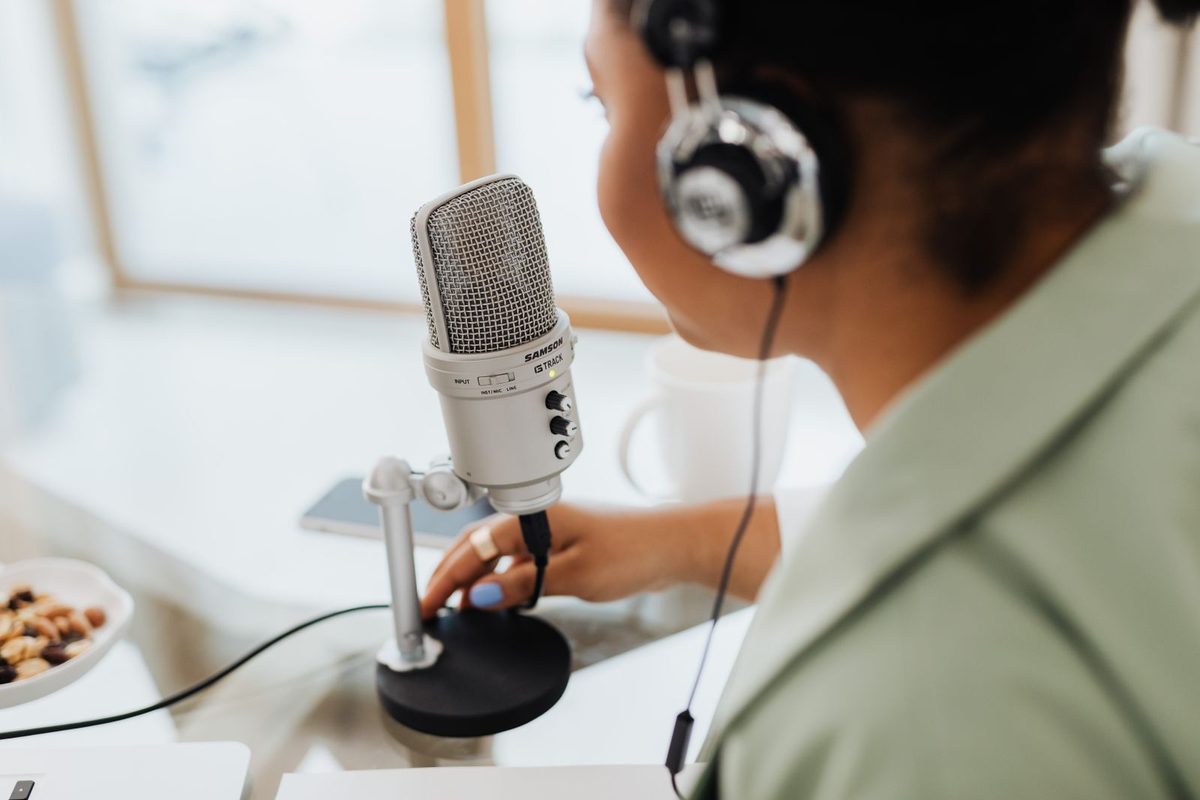
Step 3: Voiceover — ElevenLabs and Descript Overdub
Not every YouTuber wants to be on the mic — and for faceless channels, the voiceover is the channel. Two tools dominate here, for different reasons.
- ElevenLabs — best realistic AI voiceover. The most natural-sounding AI voices available to beginners in 2026, with voice cloning and dubbing into other languages on higher tiers. The free tier lets you test voices properly, and the Starter plan starts at around $5/month. Use it for narration, explainers, and faceless videos. One warning from experience: pick a voice and stick with it — swapping voices every video makes a channel feel inconsistent.
- Descript Overdub — best for fixing your own recordings. If you do record yourself, Overdub clones your voice so you can fix a misspoken word by typing the correction instead of re-recording the whole take. It is included in Descript's paid plans (see the editing section below) and is the single biggest time-saver for talking-head creators.
A word on honesty: YouTube requires disclosure for realistic synthetic or altered content, and viewers are increasingly good at spotting an AI voice. For faceless or narrated channels, an AI voice is a legitimate choice — just do not pretend it is a real person, and check the commercial-rights terms of the voice you use. We compare the voice tools in depth, including the commercial-rights trap beginners miss, in our best AI voice generators guide.
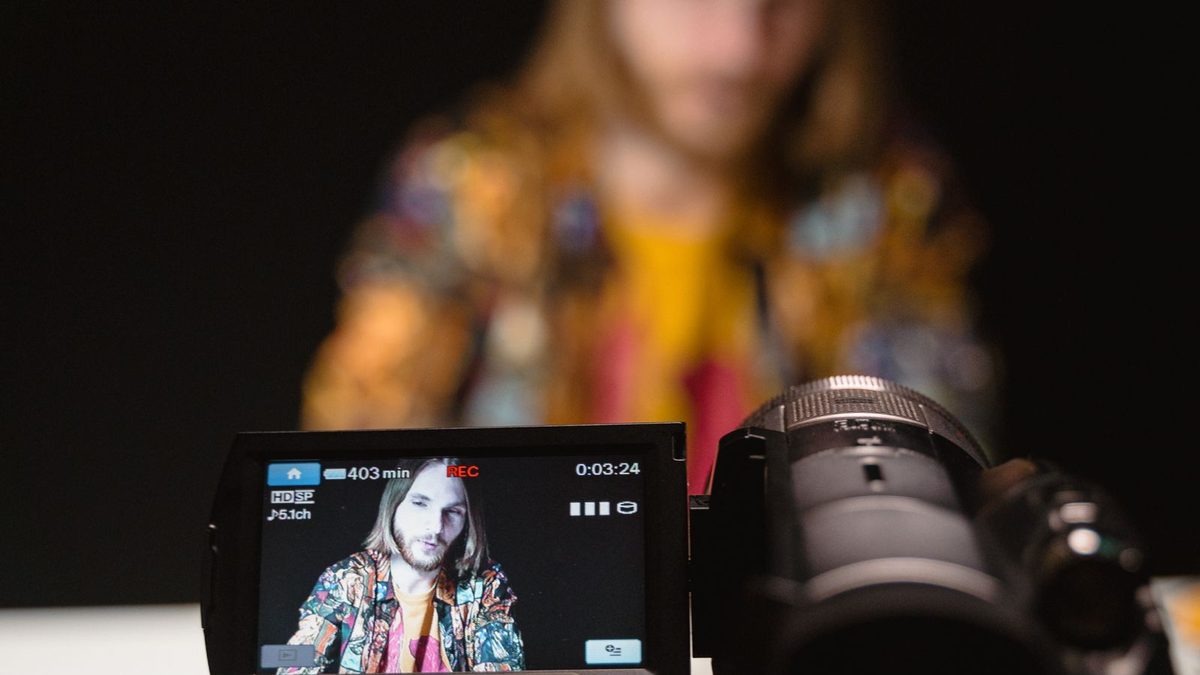
Step 4: Editing — Descript and CapCut
Editing is where most beginners lose their weekends. These two tools attack the problem from opposite directions, and which one fits depends on what you film.
- Descript — best for talking-head and podcast-style video. Its core idea still feels like magic: your transcript is your timeline. Delete a sentence in the transcript and the video cuts itself. It removes filler words ("um", "uh") automatically, adds captions, and includes Overdub voice fixing. Pricing checked in November 2026: free tier covers about 1 hour of media a month with watermarked 720p exports; Hobbyist is $16/month on annual billing ($24 month-to-month) for 10 hours and 1080p exports; Creator is $24/month annual for 30 hours and 4K. The meter to watch is media hours plus AI credits — they do not roll over.
- CapCut — best for everyday editing and captions. Free, fast, and the default editor for most Shorts and Reels creators. AI auto-captions, background removal, and quick effects without a learning curve. If you film on your phone and edit on your phone, start here — it is genuinely free for the basics, though some AI features are paid or credit-based, so check what is free in your region before building a workflow on one feature.
Honest guidance: if your videos are mostly you talking to a camera, Descript will save you more hours than any other tool in this guide. If your videos are clips, music, and fast cuts, CapCut is the faster pick. Do not pay for both — pick the one that matches what you actually film.
Step 5: Thumbnails — Canva and Ideogram
The thumbnail is probably the highest-ROI application of AI for a YouTuber. A better thumbnail improves click-through rate, which improves every other metric on the channel. Time spent getting thumbnails right is time well spent — and it is the cheapest stage to improve.
- Canva — best thumbnail starting point. Thousands of YouTube thumbnail templates, easy text styling, background removal on the paid plan, and AI image tools in Magic Studio. The free tier is genuinely generous; Pro runs roughly $12–15/month depending on region and billing. The workflow that works: generate the picture with an image model, then put the text on it in Canva, so the words sit exactly where you want them.
- Ideogram — best for text inside the image. If your thumbnail concept needs words baked into the image itself, Ideogram renders text-in-image better than any other generation tool — most image models still garble short words. Use it for the background image, then finish in Canva.
One hard rule that every thumbnail guide agrees on: keep thumbnail text to three or four words. If you need a paragraph to explain the thumbnail, the thumbnail failed. And test two variants whenever you can — TubeBuddy's A/B testing exists precisely because even experienced creators guess wrong about thumbnails half the time.
Step 6: Turn long videos into Shorts — OpusClip
Shorts are the fastest way for a new channel to get discovered, but editing a vertical clip by hand for every long video is a second job. OpusClip is the best automatic clipper for this: it finds the highlight moments in a long video, adds animated captions, reframes for vertical format, and scores each clip for viral potential so you know which one to post first.
- Free tier: 60 credits a month with a watermark — enough to test whether clipping actually grows your channel.
- Paid plans: Starter from $15/month; Pro around $14.50/month on annual billing (about $29 month-to-month). You are metered by source-video minutes, not by clips, so a 60-minute podcast costs the same whether it yields two clips or ten.
Two honest caveats: the virality score is a rough guide, not a prediction — post the clips that are genuinely interesting, not just the highest-scored ones — and auto-clips still need a human check for awkward cuts and mis-captioned words. If your channel is faceless and script-driven, our faceless YouTube tools guide covers the script-to-video tools that pair well with this step.
Three sample stacks: $0, about $30, and scaling
Here is what the whole pipeline costs in practice. Pick the stack that matches where your channel is today:
- The $0 stack (starting out). vidIQ free (150 AI credits) + free ChatGPT/Claude/Gemini for scripts + ElevenLabs free tier for voice tests + CapCut free for editing and captions + Canva free for thumbnails + OpusClip free (60 credits) for Shorts. Total: $0. This stack genuinely covers a beginner's first 10–20 videos.
- The about-$30 stack (publishing weekly). ChatGPT Plus or Claude Pro ($20) + Descript Hobbyist ($16/month annual) — or swap Descript for Canva Pro (~$12) if thumbnails are your bottleneck. Everything else stays on free tiers. This is the sweet spot for most new YouTubers: one powerful scripting assistant and one serious editor.
- The scaling stack (~$60–80/month). Add vidIQ Boost ($16.58/month annual) for research depth, TubeBuddy Legend (~$23.19/month annual) for thumbnail A/B testing, and OpusClip Pro (~$14.50/month annual) for unlimited-feeling Shorts output. Add these one at a time, only when the free tier is genuinely blocking you — and audit every quarter to cancel whatever is not earning its keep.
All prices above come from vendor pricing pages and independent pricing roundups checked in November 2026, and they change often — confirm the current price before you pay, and start on free tiers regardless.
Six mistakes that waste a new YouTuber's money and time
- Buying tools before you have ten videos up. If you have not published regularly for a month, you do not know which stage is your bottleneck yet. The free tiers exist precisely for this phase — use them.
- Paying for credits you do not use. Nearly every tool here runs on credits in 2026, and the credit rules matter more than the sticker price. Unused credits usually do not roll over — a $29 plan you use twice a month is a donation.
- Letting AI write the whole script. 57% of creators say AI output needs moderate to extensive editing (Adobe, 2026). A pasted script sounds pasted. Use AI for the outline and hooks; write the words yourself.
- Ignoring YouTube's AI rules. YouTube requires disclosure for realistic synthetic or altered content, and repetitive, mass-produced AI videos risk demonetization. AI-assisted is fine; AI-spammed is not. Disclose when asked, and make videos a human would actually want to watch.
- Chasing a new tool every week. The YouTube AI landscape changes monthly — four of the thirteen tools in one recent roundup restructured a tier in the past year alone. Pick a stack, learn it properly, and re-check alternatives quarterly, not weekly.
- Forgetting the thumbnail and title. Beginners spend five hours editing and five minutes on the thumbnail. Flip that ratio for one video and watch what happens to the click-through rate — it is the cheapest experiment on this list.
Your first-week plan
- Day 1: Create free accounts on vidIQ and your chosen AI assistant. Find three video ideas with real search demand and write the outline for the first one.
- Day 2: Write the full script (AI outline, your words), record the voiceover — your own voice, or ElevenLabs free tier if the channel is faceless — and set up a free Canva account.
- Day 3: Film or assemble the video, edit it in CapCut (or Descript's free tier for talking-head), and design two thumbnail variants in Canva.
- Day 4: Upload with a title and description drafted by your assistant, then run the finished video through OpusClip's free tier and schedule two Shorts from it.
- Day 5–7: Repeat the loop for video two — and only then decide which paid tier, if any, would have saved you real time. That answer tells you what to buy first.
One video a week, built with this pipeline, beats five videos made with a random tool each time. The tools are cheap now — the consistency is the hard part, and no tool can buy that for you.
Learn every tool in this toolkit properly
The hardest part of starting a YouTube channel is not finding tools — it is knowing which ones to learn first and how they fit together. The Pack covers 30+ AI tools with honest 2026 pricing and copy-paste workflows for research, scripting, voiceovers, and editing — the exact learning shortcut this guide's first-week plan is built on.
Get The AI Tools Starter Pack — $9